Listed
Nov 6, 2026
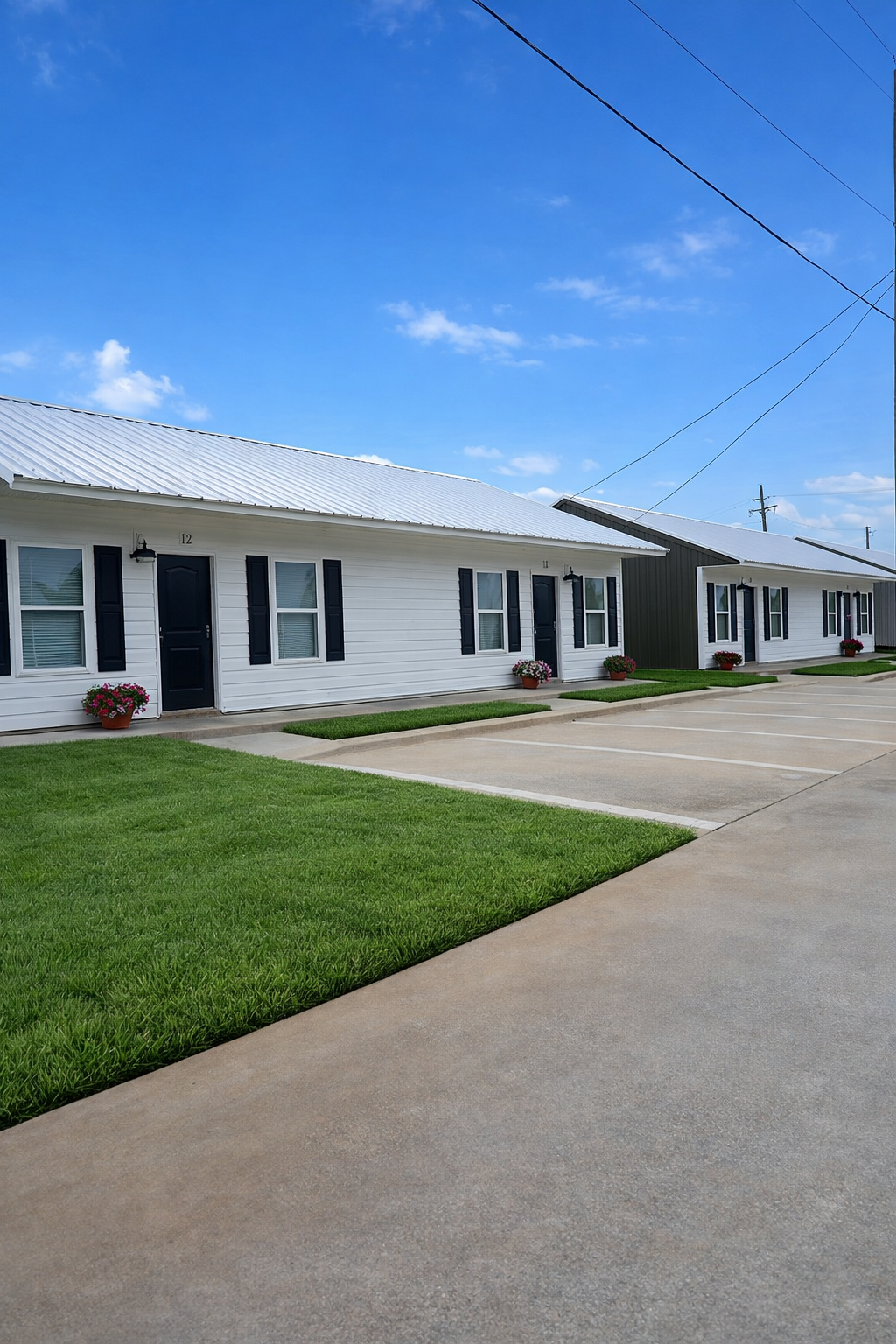
Representative photo
See current Harvester 1 and Harvester 2 rentals in Monroe on one community page.
Property photos may be virtually staged, AI-enhanced, or digitally altered for marketing purposes and may not reflect the actual unit. Verify condition in person before signing a lease or relying on images. Read full photo disclaimer.
Harvester brings together two Monroe building records—Harvester 1 and Harvester 2—so you can review live availability in one place. Use the listings below first, and keep the building number with every unit you compare so applications and questions stay specific.
Representative photo
Representative photo
Property photos may be virtually staged, AI-enhanced, or digitally altered for marketing purposes and may not reflect the actual unit. Verify condition in person before signing a lease or relying on images. Read full photo disclaimer.
Most visitors come here to see which Harvester apartments are published today. Scroll the available and upcoming rentals first. Each card already carries the building name Harvester 1 or Harvester 2, the unit label, and the fields returned by the live Monroe listing feed.
Only after you pick a card should you dig into process details. That order keeps the page practical: inventory first, then how to ask or apply without mixing the two buildings.
Harvester 1 and Harvester 2 are separate published records. Saving “Unit 14” without the building number can send a question or application down the wrong path when both buildings appear together on this Monroe community page.
Open the detail page for the exact unit you mean. Structured rent, deposit, availability, and photo sets live there. Do not assume Harvester 1 and Harvester 2 share finishes, sizes, or move-in dates just because they share a community heading.
If two units look promising, keep two shortlists. Note the building number, unit label, listing URL, and the date you viewed each card. Inventory can change between visits, so a dated snapshot beats memory.
When photos influence the choice, remember they may be virtually staged or digitally altered. Tie every image set to its listing and plan to verify the real unit if a showing is scheduled after screening.
Copy “available,” “upcoming,” or a printed date exactly. If your move depends on timing, include that wording plus Harvester 1 or Harvester 2 in your contact message.
Use the apply or request action on the selected Harvester unit. Braud Properties charges the application fee before a showing and screens completed applications before scheduling tours. A submission does not hold the apartment.
In any follow-up, lead with Harvester 1 or Harvester 2, then the unit label. Attach the listing link when you can. That pairing is the fastest way for the team to find the same live record you saw.
If neither building has a card you want, say which Harvester numbers you checked and ask whether other information is available. Meanwhile, the main listings page remains the place to scan other Monroe communities without blurring them into this Harvester shortlist.
Residents already living at Harvester should use Resident Help and the Buildium Resident Center for account or maintenance matters instead of the prospect contact form.
Ask only about decision-critical fields the chosen card does not display. Keep the reply filed under that same Harvester building-and-unit pair.
3401 Harvester Drive
3399 Harvester Drive
Completed applications are reviewed in the order received. Submitting an application does not reserve a unit.
Equal Housing Opportunity. Fair Housing information